
The short answer
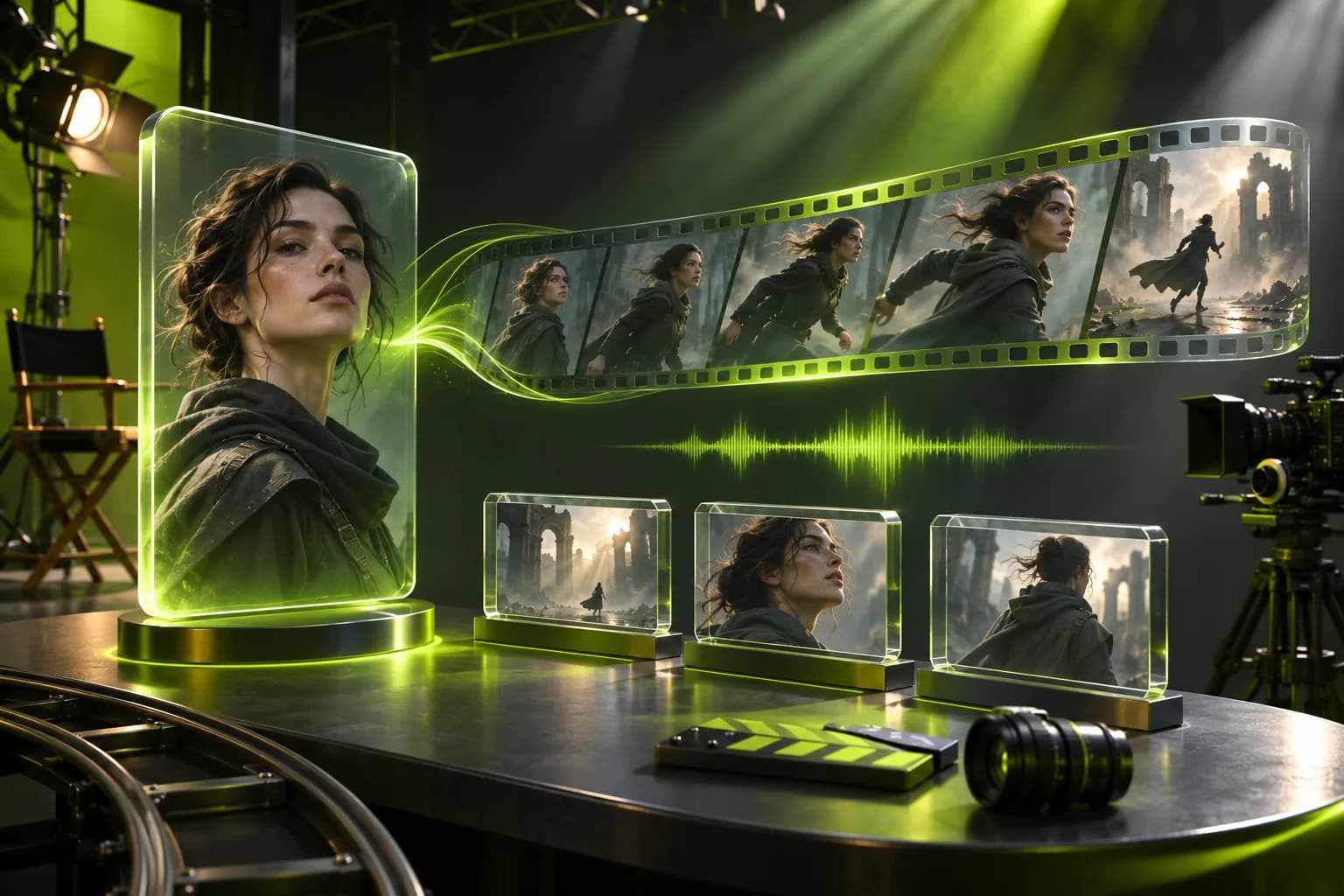
Higgsfield Kling 3.0 is a cinematic video model with up to 15-second output, native audio, physics-aware motion and as many as six camera cuts in one generation. The current site reference table starts around 7 credits for a five-second 720p clip, while Motion Control uses a separate character-image and motion-reference workflow.
Key takeaways
- Kling 3.0 supports up to 15 seconds and up to six camera cuts in one generation.
- Native audio includes dialogue, ambience and sound effects rather than post-layering.
- Motion Control is a distinct workflow that requires a character image and motion-reference video.
- Credit cost rises with resolution and output settings, and Unlimited access depends on the current plan card.
Section 01
What is Higgsfield Kling 3.0?
Kling 3.0 is a high-control video model for cinematic motion, native audio and multi-shot storytelling inside Higgsfield.
The official product page positions Kling 3.0 around 4K visuals, natural-language prompting, image references and physics-aware movement. It supports continuous output of up to 15 seconds and can divide one generation into as many as six planned camera cuts.
Voice Binding associates a distinct voice with a character across five languages and regional accents. That makes the model relevant to dialogue-led shorts, product storytelling and short-film prototyping, not only ambient b-roll.
Section 02
What does Kling 3.0 Motion Control do?
Kling 3.0 Motion Control is a reference-video workflow: provide a character image and a motion-reference video, then use the reference movement to direct the character.
Higgsfield's MCP documentation treats Kling Motion Control as a separate operation that needs two inputs. The character image defines who appears; the video supplies the motion reference. In an agent workflow, the upload window opens for each input so the roles are not confused.
Motion Control is not the same as ordinary text-to-video or image-to-video. Its result depends on both visual identity and reference motion quality, and automated MCP use still deducts credits at the model rate.
Section 03
How many credits does Kling 3.0 use?
The current Higgsfield Plus reference table starts around 7 credits for a five-second 720p Kling 3.0 clip, about 8 credits at 1080p and about 30 credits at 4K.
| Output | Reference credits | Planning use |
|---|---|---|
| 5 seconds, 720p | ~7 | Motion and prompt exploration |
| 5 seconds, 1080p | ~8 | Approved social or product draft |
| 5 seconds, 4K | ~30 | Final high-resolution delivery |
Section 04
Does Higgsfield Unlimited include Kling 3.0?
Only when the active plan card includes Kling 3.0 Unlimited access for the displayed period. Unlimited is model-specific and applies on the Higgsfield website only.
Unlimited generations use the standard queue, while credit-mode generations run in the priority queue at the selected speed. During peak demand, Unlimited concurrency and processing speed can change.
MCP, CLI, Canvas, Supercomputer and other automated surfaces always deduct credits. An Unlimited toggle on the website does not transfer to an agent workflow.
Section 05
Which Higgsfield plan should Kling 3.0 creators choose?
Starter is enough for a small proof set, Plus fits recurring video batches and Ultra is justified only when measured production regularly exceeds 1,200 credits.
| Plan | Monthly credits | Practical starting point |
|---|---|---|
| Starter | 270 | Prompt tests and a compact 720p proof batch |
| Plus | 1,200 | Regular short-form and multi-shot production with retries |
| Ultra | 3,000 | High-volume 1080p or 4K renders and multiple concepts |
Section 06
How should you plan a Kling 3.0 production batch?
Approve the still, shot list, audio direction and camera cuts before making a final high-resolution render.
- Use a 720p or shorter proof to validate movement and framing.
- Write each camera cut as a separate but connected shot instruction.
- For Motion Control, test the reference video with one character image first.
- Check dialogue and ambience before moving from draft to final output.
- Record the cost of rejected takes when estimating the real batch budget.
Section 07
When should you choose Kling 3.0 instead of another video model?
Choose Kling 3.0 when longer continuous shots, native audio, multiple camera cuts or reference-driven character motion are central to the brief.
Kling's current strengths differ from those of Seedance 2.5, Veo 3.1 and lower-cost draft models. The best choice is determined by duration, audio, reference requirements and the cost of the selected resolution, not by a permanent ranking.
Use the broader video-cost comparison to budget across models. Use this Kling page when Kling-specific duration, voice, camera or motion-control details drive the decision.
Official sources and review scope
We checked these sources on 2026-11-05. Higgsfield features, rates and promotions can change, so the live page and checkout take priority.
- 1. Higgsfield official Kling 3.0 page ↗
Official overview of duration, native audio, voice binding, multi-shot storyboarding and physics-aware motion.
- 2. Higgsfield official pricing ↗
Plan names, monthly and annual billing, credits, model rates and current feature limits are dynamic. Verify the live page before ordering.
- 3. Higgsfield official Credits help ↗
Explains how model, duration and resolution affect credit usage, including non-rollover terms.
- 4. Higgsfield official Unlimited models help ↗
Documents model-specific Unlimited windows, web-only access, fair-use queue limits and plan eligibility.
- 5. Higgsfield agent connection guide ↗
Official setup steps and capability differences for Claude, ChatGPT, Cursor and Higgsfield CLI.
Frequently asked questions
How long can a Kling 3.0 video be?
Higgsfield's official Kling 3.0 page advertises up to 15 seconds of continuous output. Available duration can still depend on the selected mode and output settings.
Does Kling 3.0 generate audio?
Yes. Higgsfield presents Kling 3.0 with native dialogue, sound effects and ambience, plus Voice Binding across five languages and regional accents.
What inputs does Kling Motion Control need?
The documented MCP workflow requires a character image and a motion-reference video. The image defines the subject and the video supplies the movement reference.
Is Kling 3.0 included in Unlimited?
Check the Unlimited & Free Gens section on the current plan card. Unlimited eligibility is model-specific and time-limited, and it does not apply to MCP or other automated tools.
Can Starter produce 4K Kling 3.0 videos?
Starter's 270-credit allowance can cover only a small set of 4K reference generations. Check model availability and the live credit cost before assuming a specific quality tier.