
The short answer
Higgsfield Supercomputer is an agentic workspace that turns a natural-language brief into a multi-step plan across image, video, audio, documents and connected apps. Every generation step deducts credits, so a complex project can consume far more than one model run; choose a plan from measured task cost, not from the promise of unlimited automation.
Key takeaways
- Supercomputer plans tasks, routes sub-tasks to suitable models and assembles the result in one workspace.
- Connectors, Skills, Memory and Scheduled Tasks extend it beyond one-off media generation.
- Each generation step deducts credits and the running task shows the accumulating cost.
- Complex tasks should be tested on a small plan before upgrading for volume.
Section 01
What is Higgsfield Supercomputer?
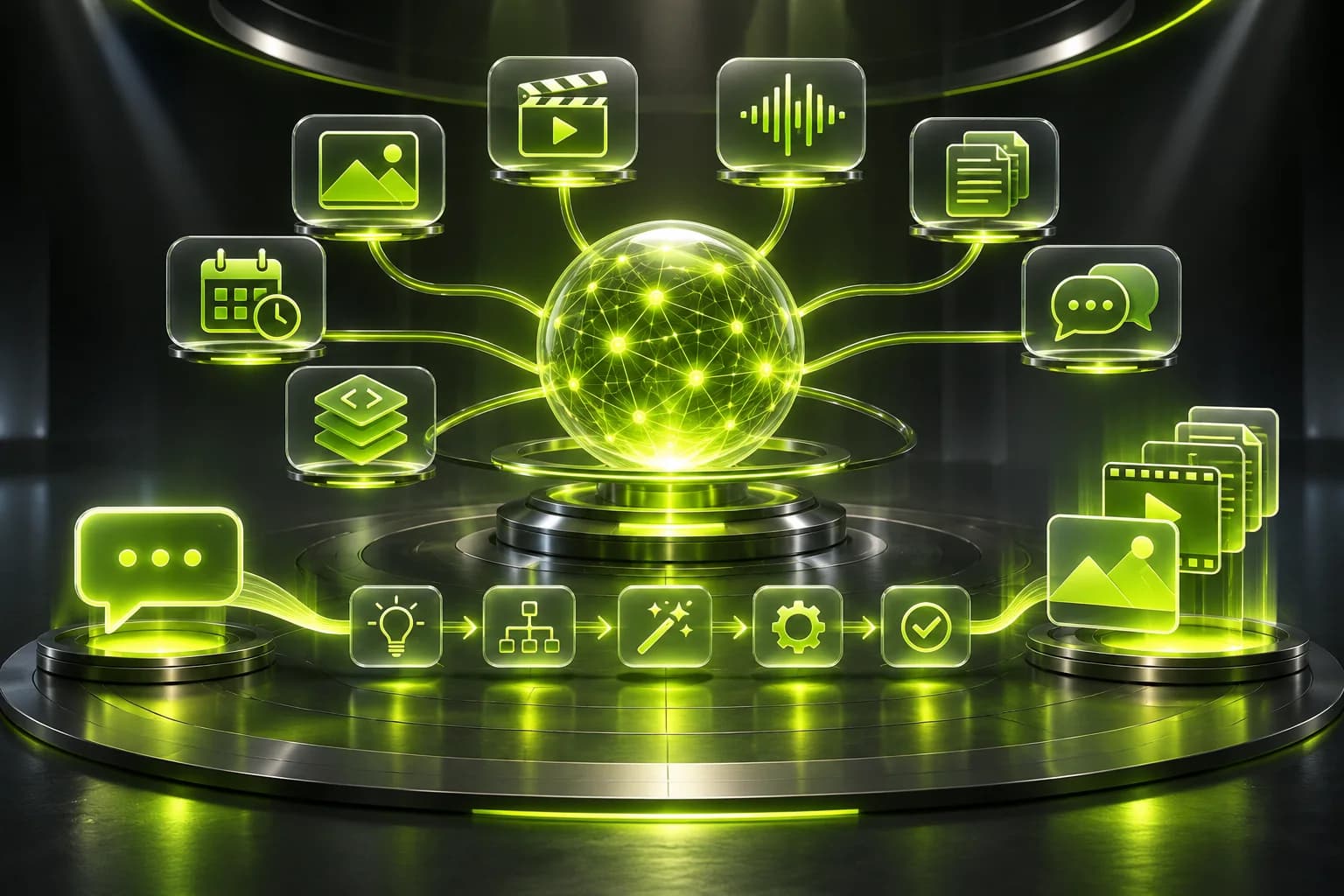
Supercomputer is Higgsfield's chat-driven agentic workspace for planning and completing multi-step creative work across several models and external apps.
Instead of generating one asset at a time, Supercomputer breaks a brief into steps, chooses a suitable model for each step, runs the generations and assembles the output. It can route automatically or use a specific language model selected by the user.
The workspace includes Apps, Games, Skills, Connectors, Memory and Faceless Channel tools. It can work from a brief to a set of product shots, a storyboard, a narrated video, a document or a deployed interactive app.
Section 02
What can you create with Supercomputer?
Supercomputer can coordinate image, video and audio generation, research, documents, faceless videos, apps and scheduled multi-step workflows.
- Generate campaign visuals, short videos and product-led content.
- Turn a topic into a storyboard, script, voiceover and finished faceless video.
- Research a subject and assemble a brief, document or presentation.
- Build and publish an interactive app or website from a natural-language brief.
- Connect to messaging, email, calendar, social publishing and document tools.
Section 03
How do Supercomputer credits work?
Every generation step uses credits at its model's standard rate. A task's full cost is the sum of those steps, not a flat fee for opening the agent.
The interface shows the running cost as the task proceeds. A brief may trigger planning, image generation, animation, audio and export steps, so a small-looking request can consume several times the credits of a single video or image.
Supercomputer workspace storage is measured against the plan allowance. Additional storage can be purchased, and its credit cost is shown before confirmation.
Section 04
What are Connectors, Skills, Memory and Scheduled Tasks?
They turn Supercomputer from a generator into a reusable operating workspace: Connectors access apps, Skills teach repeatable workflows, Memory keeps context and Scheduled Tasks run work on a cadence.
| Capability | What it does | Planning implication |
|---|---|---|
| Connectors | Links messaging, documents, email, calendar and publishing tools | A task can work across more systems |
| Skills | Reusable slash-triggered creative workflows | Reduce prompt setup and standardize output |
| Memory | Keeps project context between chats | Encourages longer, recurring project workflows |
| Scheduled Tasks | Runs work daily, weekly or at a future time | Monitor recurring credit use carefully |
| Apps and Games | Builds interactive assets with logic, storage and links | Needs separate quality and access checks |
Section 05
How is Supercomputer different from Higgsfield MCP?
Supercomputer runs inside the Higgsfield website, while MCP places Higgsfield tools inside an external assistant such as Claude; both can orchestrate models, but their workspace and access rules differ.
Use Supercomputer when the project needs Higgsfield's own Skills, Connectors, file memory and app-building environment. Use MCP when the existing Claude, ChatGPT or Cursor conversation is the main workspace.
| Criterion | Supercomputer | Higgsfield MCP |
|---|---|---|
| Where it runs | Higgsfield web workspace | Your external AI assistant |
| Best use | Full tasks across Higgsfield models and apps | Generation from the assistant you already use |
| Model routing | Built into Supercomputer | Agent chooses available Higgsfield operations |
| Credit behavior | Each generation step deducts credits | Every generation deducts credits |
Section 06
Which Higgsfield plan should Supercomputer users choose?
Starter is appropriate for a small proof task, Plus for recurring projects and Ultra for sustained high-volume agent work after actual step costs are measured.
| Plan | Monthly credits | Practical starting point |
|---|---|---|
| Starter | 270 | One short task or a tightly scoped proof |
| Plus | 1,200 | Recurring campaign, content and multi-step projects |
| Ultra | 3,000 | High-volume agents, frequent renders and larger storage needs |
Section 07
How should you control Supercomputer costs?
Start with a bounded task, require a step plan before execution, approve model choices and cap the number of generated variations.
- Write a brief with deliverable count, format and deadline.
- Ask the agent to list the planned generation steps and estimated credits.
- Use lower-cost models for research, storyboards and drafts.
- Approve one anchor asset before generating the full batch.
- Review the running cost and stop when the core deliverable is complete.
Official sources and review scope
We checked these sources on 2026-11-05. Higgsfield features, rates and promotions can change, so the live page and checkout take priority.
- 1. Higgsfield official Supercomputer page ↗
Official overview of agentic workflows, connectors, skills, memory, scheduled tasks, models and app creation.
- 2. Higgsfield Supercomputer help ↗
Explains the workspace, task planning, connectors, storage, app building and step-by-step credit behavior.
- 3. Higgsfield MCP help center ↗
Explains the difference between MCP and the API, how credits work, and which web-only benefits do not carry over.
- 4. Higgsfield official Credits help ↗
Explains how model, duration and resolution affect credit usage, including non-rollover terms.
- 5. Higgsfield official pricing ↗
Plan names, monthly and annual billing, credits, model rates and current feature limits are dynamic. Verify the live page before ordering.
Frequently asked questions
Does Supercomputer have unlimited usage?
Do not budget it as unlimited automation. Official credit guidance says every Supercomputer generation step deducts credits, even when a particular model has web Unlimited access on the main Higgsfield site.
Which models does Supercomputer use?
It can route to Higgsfield image, video and audio models and uses an LLM for task planning. Users can allow automatic routing or select a compatible language model manually.
Can Supercomputer connect to Gmail, Slack or Notion?
Yes. The Connectors section supports messaging, email, calendar, social publishing and document tools, subject to the current workspace integrations and permissions.
Can Supercomputer build apps and websites?
Yes. Higgsfield documents app and website creation from natural-language briefs, with their own logic, storage and public links. Each resulting product still needs independent testing.
Is Supercomputer the same as Higgsfield MCP?
No. Supercomputer runs in Higgsfield's web workspace, while MCP connects Higgsfield tools to an external AI assistant. Both can coordinate generation but have different interfaces and workflows.